This can be considered Part II of the Getting Started page. If you haven't read it yet, we strongly recommend you to do it before proceeding.
In this tutorial we will guide you through the different schema endpoints available in the Knowledge Model API.
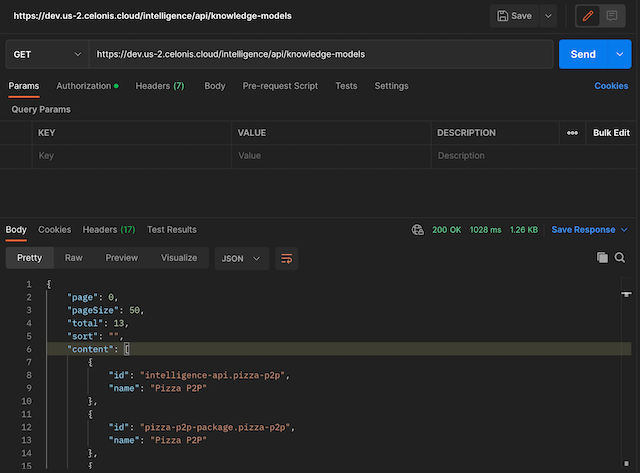
As we saw in the Getting Started page, you can get the full list of Knowledge Models that you have access to, creating a request to https://<team>.<cluster>.celonis.cloud/intelligence/api/knowledge-models (remember that you need to replace <team> and <cluster> with your own values).
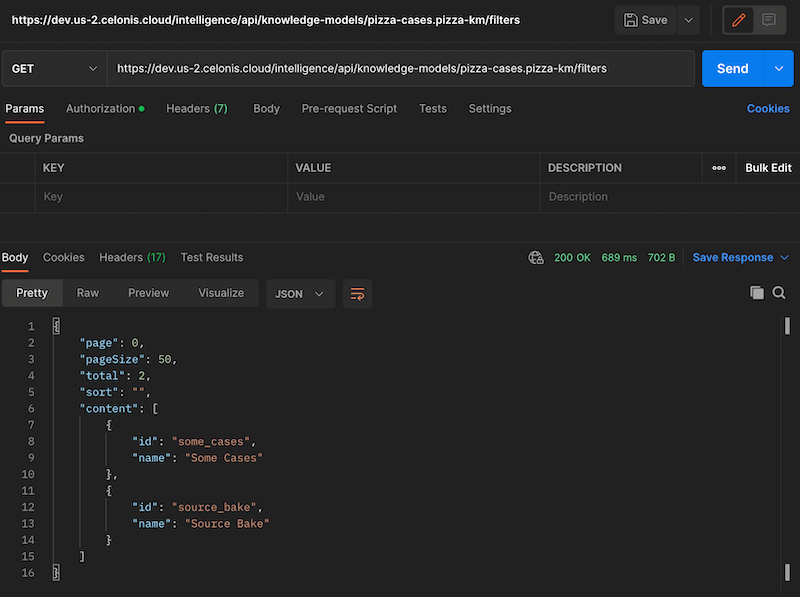
You can get the full list of filters that a Knowledge Model has, creating a request to https://<team>.<cluster>.celonis.cloud/intelligence/api/knowledge-models/<km_id>/filters. For this URL, you will need to replace the <km_id> with the Knowledge Model id that you got from the previous endpoint.
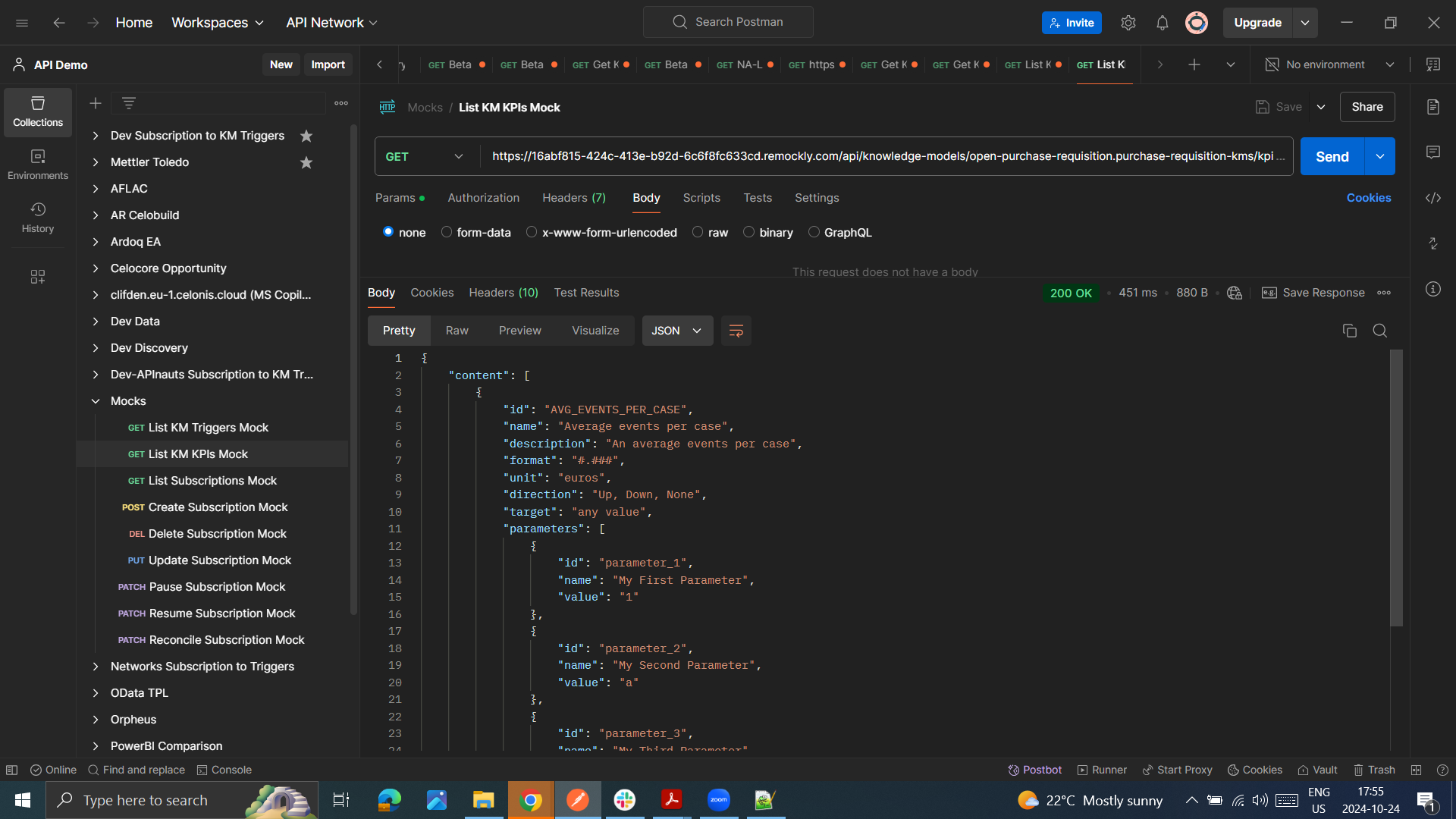
Similar to filters, you can also get the KPIs for a given Knowledge Model. To do this, simply append /<km_id>/kpis to the URL you used to get the full list of Knowledge Models, i.e. https://<team>.<cluster>.celonis.cloud/intelligence/api/knowledge-models/<km_id>/KPIs.
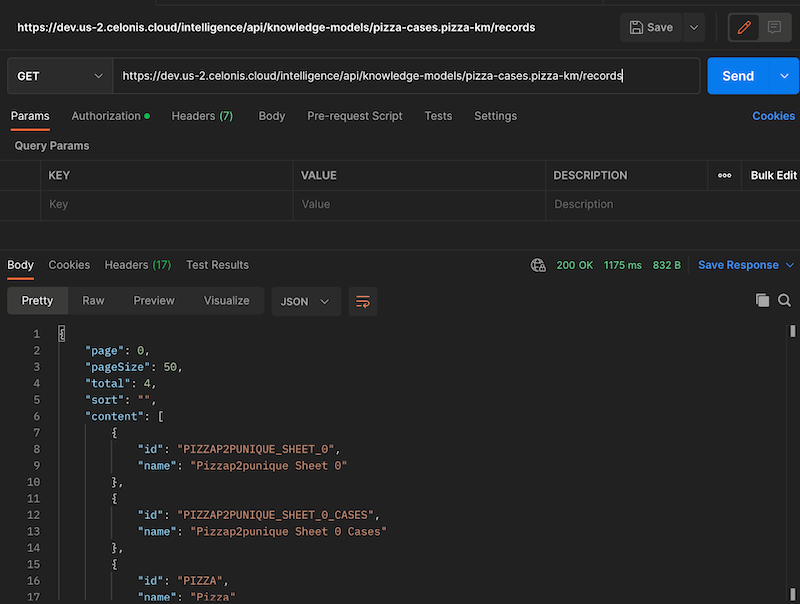
Similar to filters, you can also get the records for a given Knowledge Model. To do this, simply append /<km_id>/records to the URL we used to get the full list of Knowledge Models, i.e. https://<team>.<cluster>.celonis.cloud/intelligence/api/knowledge-models/<km_id>/records.
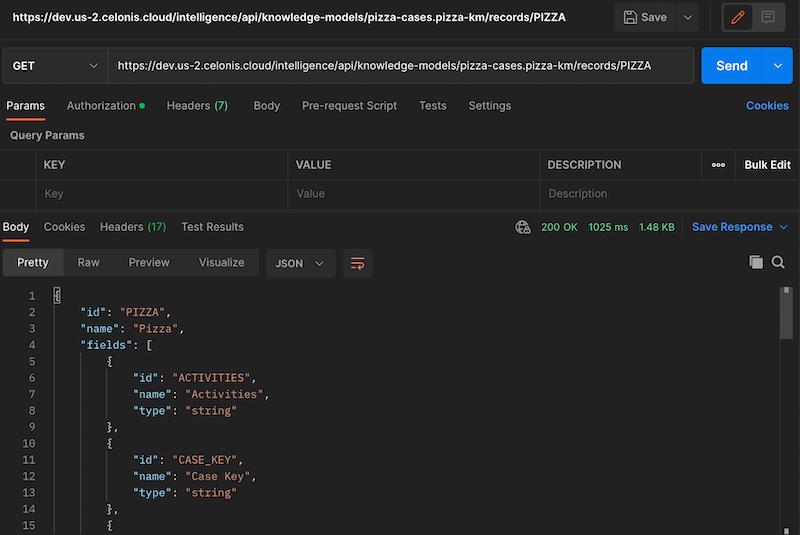
Finally, you can get a list of all the fields that can be consumed for a record, by appending the id of the record that you got in the previous endpoint, i.e. https://<team>.<cluster>.celonis.cloud/intelligence/api/knowledge-models/<km_id>/records/<record_id>. This list contains Attributes, Augmented Attributes and Flags.
In the next tutorial we will look into how to consume the data for a record.